
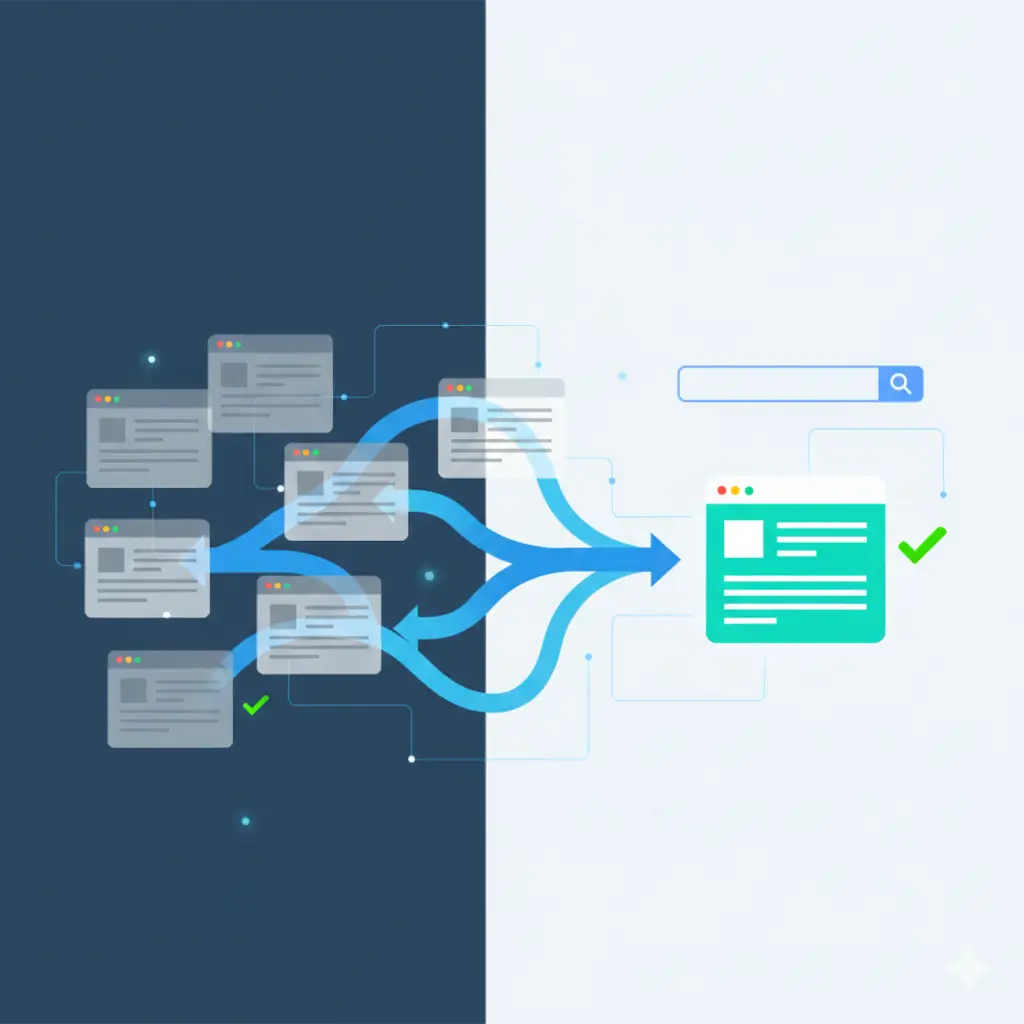
Duplicate content is one of those SEO headaches that never really goes away. You end up with the same (or almost the same) stuff showing up on different URLs, and search engines like Google get confused about which one should get the credit. That confusion leads to split ranking power, crawl budget going to waste, and pages you care about dropping in visibility. The good news is that canonical checks give you a straightforward way to sort it out-quietly pointing everything back to one main version without forcing redirects or deleting anything.
Why Duplicate Content Actually Hurts (and Why It’s More Common Than You Think)
It shows up everywhere: those ugly parameter URLs from sorting or filtering on e-commerce sites, the HTTP vs HTTPS mix-up, www and non-www versions that somehow still linger, printer-friendly pages, syndicated articles on subdomains. Google rarely slaps a manual penalty on plain duplicates anymore, but the fallout is real. They pick one version to favor, maybe the “wrong” one, and the rest get devalued or ignored. Signals get diluted. Important pages index slower. Click-through rates dip because the snippet isn’t the best version. On bigger sites, crawl budget gets eaten up chasing near-duplicates instead of discovering fresh content.
I’ve seen it play out too many times-sites lose traffic not because the content is bad, but because authority is spread thin across ten similar URLs. Regular canonical maintenance stops that bleed early.
How Canonical Tags Really Work
At its core, it’s just this little line in the <head>:
HTML
<link rel=”canonical” href=”https://example.com/preferred-url/” />
You’re basically telling search engines, “Hey, treat this URL as the boss version. Pull all the ranking juice here.” Unlike a 301 redirect, users stay put-no annoying bounces-and you still pass most of the equity along. Google calls it a strong hint, not an ironclad rule, but in practice they honor it reliably when everything else lines up.
It shines brightest in situations where redirects would feel clunky: faceted navigation, seasonal landing pages, partner-syndicated content, that sort of thing.
A Practical Way to Run Canonical Checks
Here’s the workflow I usually follow-it catches most problems before they hurt rankings.
First, crawl the whole site with something like Screaming Frog, Sitebulb, or DeepCrawl. Look for clusters where titles, metas, and word counts are suspiciously close. Paginated pages, filter results, session IDs-the usual suspects.
Then, for each group, check the basics on every page:
- Is there even a canonical tag?
- Does it point where you want it to?
- And crucially, does the preferred page have a self-referential canonical (pointing back to itself)?
Missing self-canonicals are surprisingly common and they make crawlers second-guess everything.
Next, hunt for chains or loops. Page A pointing to B pointing to C weakens the signal fast; loops are a mess. Good crawl tools show you the graph-keep chains to one hop max.
Make sure the target URL is live (200 OK) and the content is similar enough. If it’s a 404 or super thin, Google just shrugs off the hint.
Finally, peek at Google Search Console’s Page Indexing report. Those “Duplicate without user-selected canonical” or “Alternate page with proper canonical tag” notes tell you exactly where Google is overriding your choice.
On big sites, run this every quarter or after any big change-redesign, migration, new templates.
Tips That Make Canonicals Stick
Pick your preferred URL based on what’s cleanest for users and strongest for business: usually the shortest, most linked-to version. Stick to it site-wide-no exceptions.
Pair it with hreflang if you’re international, and schema if you want rich results. For shops, send filtered pages back to the plain category instead of spawning endless thin lists.
Never canonicalize a noindex or robots.txt-blocked page-Google ignores it. If you’re unsure, a 301 is the safer bet; it’s a harder signal.
On dynamic sites, handle logic server-side or in the CMS, not just JavaScript. Some crawlers render JS differently, and mismatched tags create chaos.
When Things Still Go Wrong
Even with tags in place, rankings can stall. Look for mixed messages: canonical clashing with alternate links, or sitemap priorities pulling in another direction. Tame parameters through Search Console’s URL Parameters tool or robots.txt. Check rendered HTML-plugins and caches love sneaking in their own canonicals.
For mobile or country versions, make sure separate rules exist.
And don’t skip log file checks. They show what Google actually crawls and indexes, often revealing surprises.
Wrapping It Up
Getting good at canonical checks turns duplicate content from a silent killer into something you barely notice. You spot clusters early, fix implementations cleanly, and keep signals focused where they belong. Your site stays stronger, pages rank better, and you avoid a lot of unnecessary stress.
If your site is large and the duplicates feel overwhelming, sometimes it helps to bring in fresh eyes. For professional audits and hands-on fixes that actually move the needle, check out seosets.com-they specialize in this kind of cleanup.
Frequently Asked Questions
What’s the real difference between a canonical tag and a 301 redirect?
A 301 moves users and bots permanently to the new URL and passes almost full equity. Canonical keeps the original URL live for users while asking search engines to treat another as primary. Use 301 when the old page shouldn’t exist anymore; canonical when both should stay accessible.
How long until canonical changes show up?
Usually days to a few weeks, depending on how often Google crawls you. Bigger, more authoritative sites update faster. Watch progress in the URL Inspection tool in Search Console.
Is it okay to canonicalize to a page with less content or slight differences?
Small variations are fine as long as the main topic and purpose match. But if it’s wildly different (like pointing a product to a blog), Google often ignores it. Keep things substantially similar.
Can canonical tags point across domains?
Yes-great for syndication or migrations. Just ensure the target is crawlable and returns the right status.
Should every single page have a self-referential canonical?
Yes, it’s one of the easiest wins in SEO. It reinforces your preference and guards against future accidents. Most pros do it by default now.

